



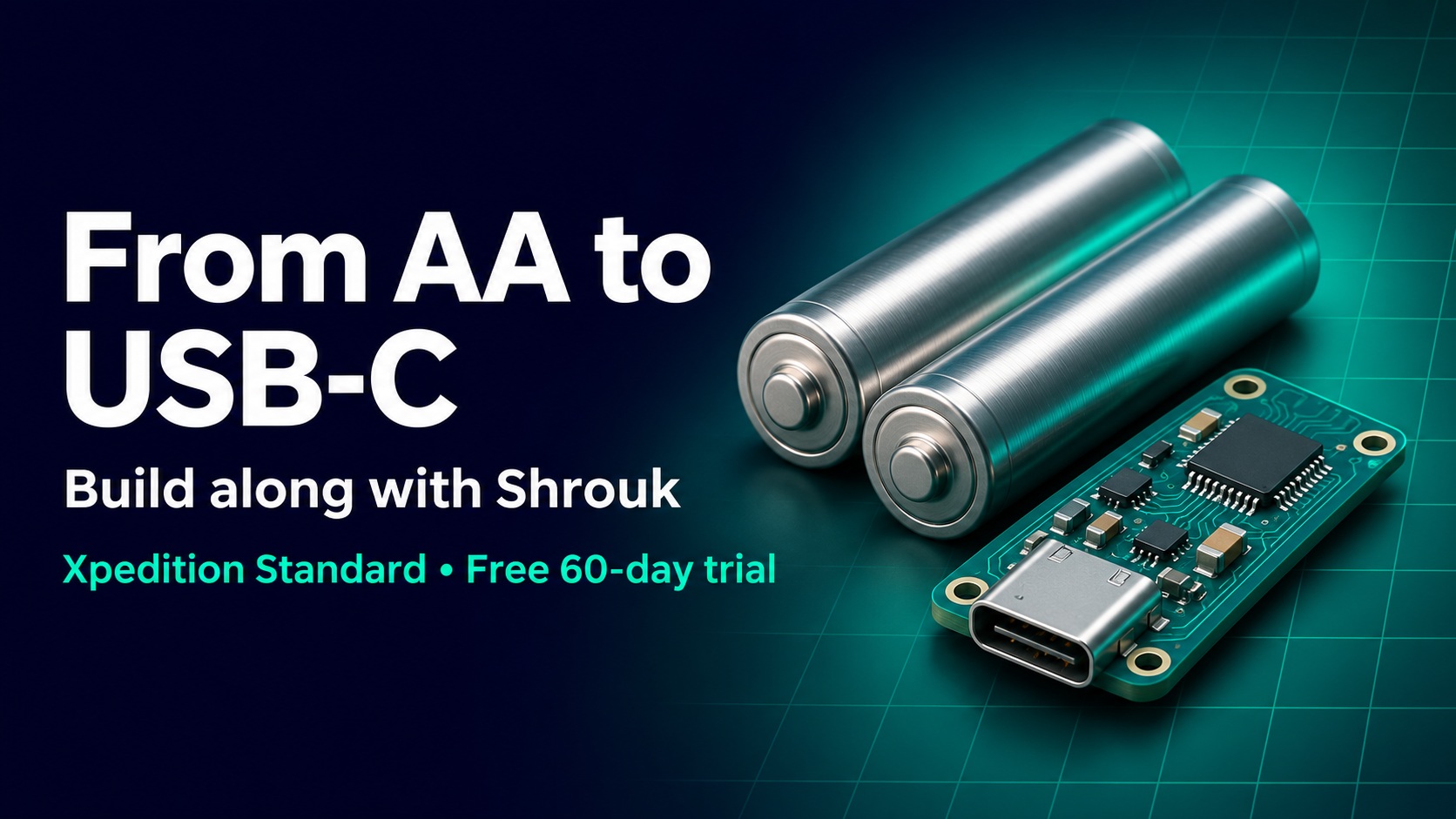
What if the next time your favorite gadget ran out of juice, you could plug in a USB-C cable? That’s the idea behind Shrouk’s latest project. She’s designing a compact, rechargeable module around a printed circuit board (PCB) that fits into a standard two-AA battery compartment.
You can build along with her in Xpedition Standard. Shrouk will publish three tutorials a week for eight weeks, for a total of 24. The free 60-day trial gives you time to follow the series, try things out in the software, and catch up if you miss a session. If you came here from Shrouk’s LinkedIn post, here’s how to get set up and ready for the first tutorial.
Step 1. Register for the free 60-day trial
Go to Shrouk’s Xpedition Standard trial landing page and select Log in to Siemens. Sign in with an existing Siemens account, create one, or use Google or LinkedIn when those options appear.
If you create an account, you may be prompted to enter your details, set a password, verify your email, add a phone number, or accept the terms. Choose your data storage region when prompted. Siemens may take a few minutes to activate your trial access, so give yourself a little time to finish registration in one sitting.
Step 2. Watch for up to three emails
- Verify your email address. If you created a Siemens account, open this one first. Follow the verification link or enter the code when prompted so your registration can finish.
- Welcome to Xpedition Standard trial. This email welcomes you to the trial and links back to this getting-started guide.
- Welcome to Xpedition. This email confirms your access and points you to optional onboarding resources you can explore at your own pace.
If you’re waiting on an email, check your spam or junk folder. Bookmark this guide so you can pick up where you left off.
Step 3. Install Xpedition Standard
Once your trial access is active, install and open Siemens Software Center, then sign in with the same account you used to register. Find Xpedition Standard in your list of available products and select it to download and install. Allow around 20 minutes for installation. You can skip the optional Xpedition Add Ons for this build.
When installation finishes, launch Xpedition Designer and Xpedition Layout. Sign in with your Siemens account if prompted. If you can, get both tools installed before the first tutorial so you can jump straight into the project.
What you’ll build and learn
Shrouk will take you from the initial concept through schematic design and PCB layout. The battery compartment gives the project a constraint you can picture right away. The board has to fit in a space designed for two cylindrical batteries, and the USB-C port has to be somewhere you can reach with a cable. As the design takes shape, you’ll see how decisions about size, placement, and access play out on the board.
That’s what makes this a fun way to learn Xpedition Standard. You’ll see how schematic and layout decisions connect as you work through a project with a clear goal. Follow each tutorial as it comes out, or set aside a block of time each week to work through all three at your own pace.
Ready to build along?
Start your free 60-day trial close to the tutorial kickoff so your access covers the full eight-week series. If you get stuck during registration or installation, email [email protected] or schedule a 15-minute session with a Siemens expert.
Then open Xpedition Standard and cue up Shrouk’s first tutorial. By the end of the series, you’ll have worked through the design of a rechargeable module for a space you’ve seen a hundred times. The next time you open a battery compartment, you might find yourself reaching for a ruler.
Shrouk El-Attar is a renowned electronics engineering consultant and founder of Shrouk El-Attar Consultancy Ltd. Her extensive experience encompasses groundbreaking developments in medical wearables, including innovative projects like COVID-19 emergency ventilators and advanced bionic arms. Recognized as one of the BBC’s 100 Most Influential Women and honoured as one of the top 6 Women Engineers in the UK, Shrouk has contributed significantly to organisations like Intel and NASA, notably in the Artemis mission bringing humanity back to the moon.
Also Read:
Physics Over Probability: How Agentic AI Solves Electronic Systems Verification
Physics Over Probability: How Agentic AI Solves Electronic Systems Verification
CTO Interview with Juan Rey, senior VP and general manager of Calibre and CTO of Siemens EDA
Share this post via:


Comments
There are no comments yet.
You must register or log in to view/post comments.